
A STUDIO IN YOUR BROWSERPro-level AI photo editing.
Pro-level AI photo editing.
Right in your browser.
Free editor, 100,000+ templates, and background remover — no downloads, no watermarks, free to start. Pro unlocks 30+ AI tools.
Free to start·Works on any device·No watermarks


No. 01
All tools →The studio.
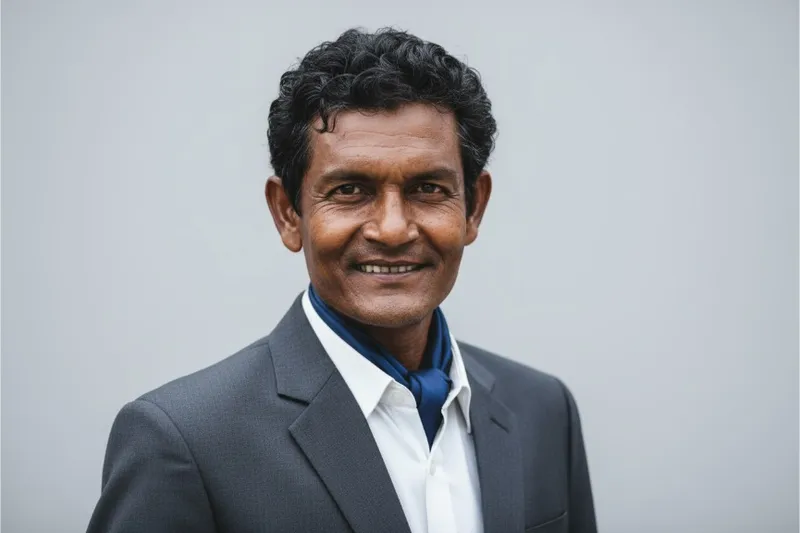
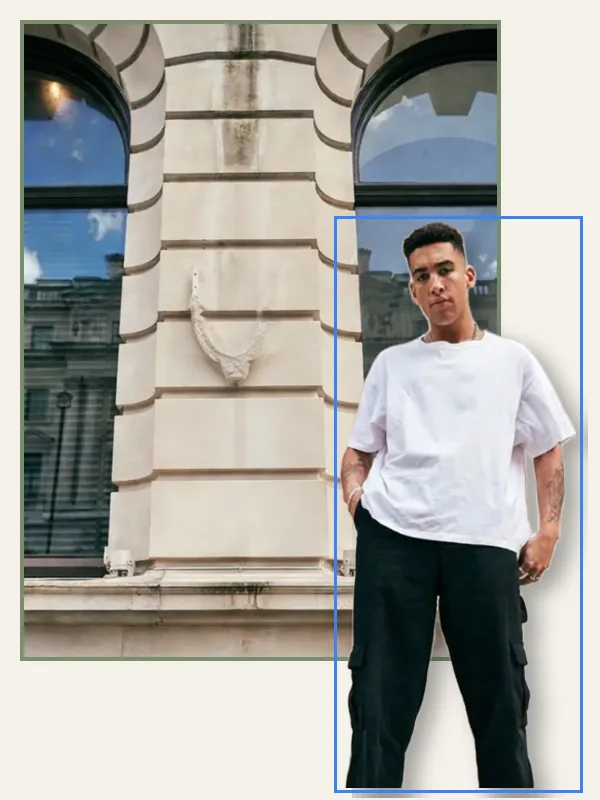
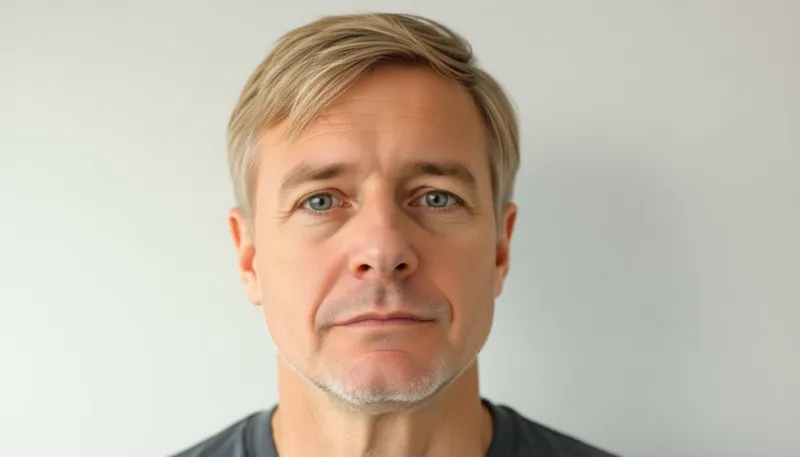
33 AI tools · 6 free










No. 02
Start from a sketch.
100,000+ templatesNo. 03
What’s free on Picazo.
Everything below comes with the free plan. No card needed.
Every template, free
All 100,000+ templates, fully editable.
Unlimited background removal
Runs on your device, as often as you like.
No watermarks
Export PNG, JPG, PDF and SVG, clean.
No account to start
Open the editor and design right away.
30+ AI tools
25 AI credits every month to try them.
Pro when you need more
From $9.99/mo for more AI credits and storage.
FREE
$0
The editor, every template, background removal in your browser, exports without a watermark, and 25 AI credits a month to try the rest of the studio.
Start free